> For the complete documentation index, see [llms.txt](https://docs.neurotrackerx.com/llms.txt). Markdown versions of documentation pages are available by appending `.md` to page URLs; this page is available as [Markdown](https://docs.neurotrackerx.com/what-is-neurotracker/how-is-it-used.md).
# How is it used?
NeuroTracker is a versatile cognitive training tool designed to enhance mental performance through engaging 3D multiple object tracking exercises. It's used by individuals, athletes, businesses, and researchers worldwide.
{% hint style="info" %}
NeuroTracker is available for individuals and businesses.
{% endhint %}
### Training Process
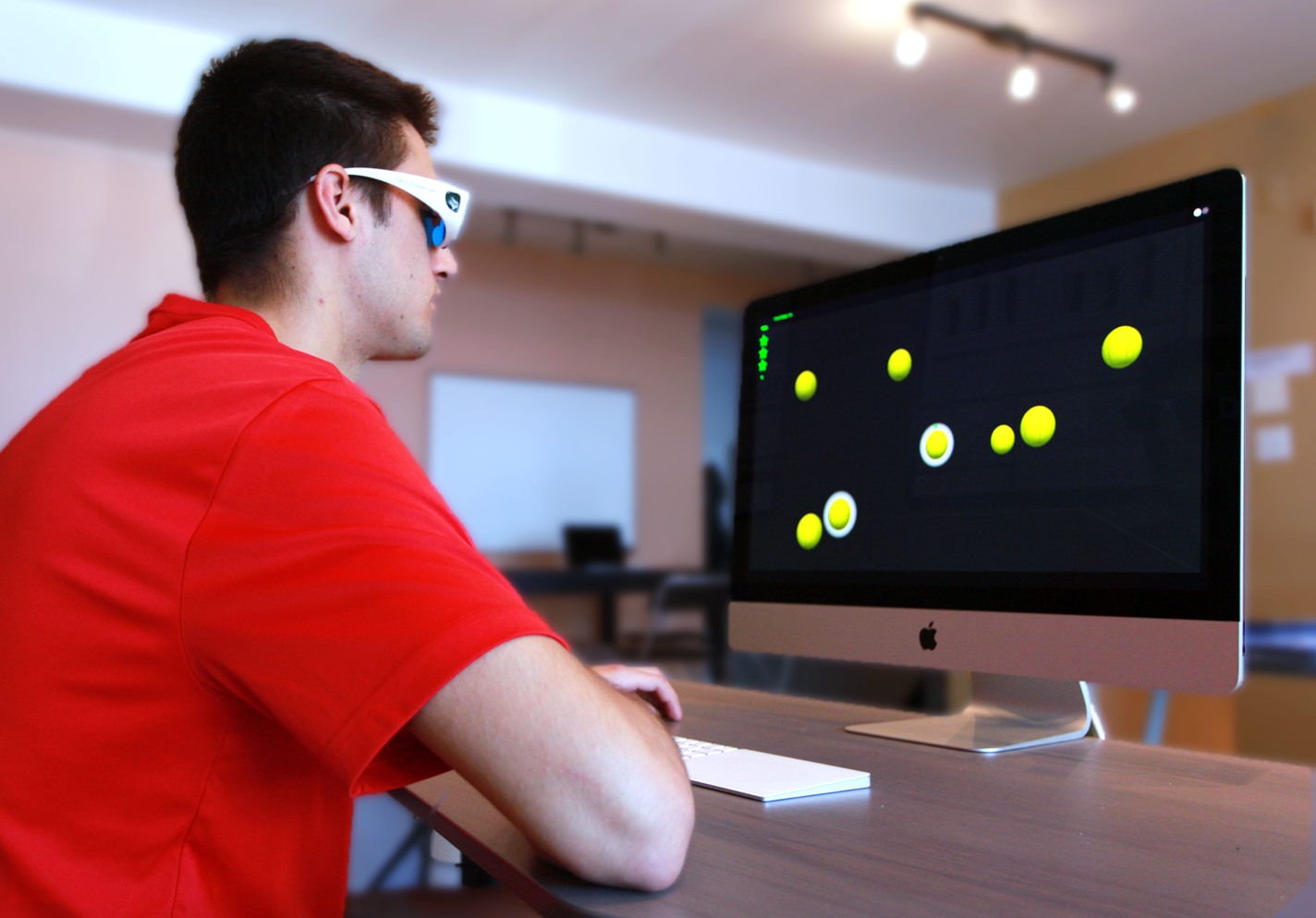
* **Simple Exercise**: Track targets in a 3D environment. 🎯
* **Adaptive Difficulty**: Speed and complexity adjust based on your performance level. ⚙️
* **Short Sessions**: Each session lasts only 6 minutes. ⏳
* **Frequency**: Recommended once daily for continuous progress. 📅
* **Quick Results**: Significant improvements observed after just 15 sessions. 🚀
### Accessibility
* **Home Use**: Train from the comfort of your own home. 🏠
* **Device Compatibility**: Works on tablets, laptops, or TVs. 💻📺
* **Flexible Programs**: Adapt to individual strengths and needs. 🛠️
### Advanced Features
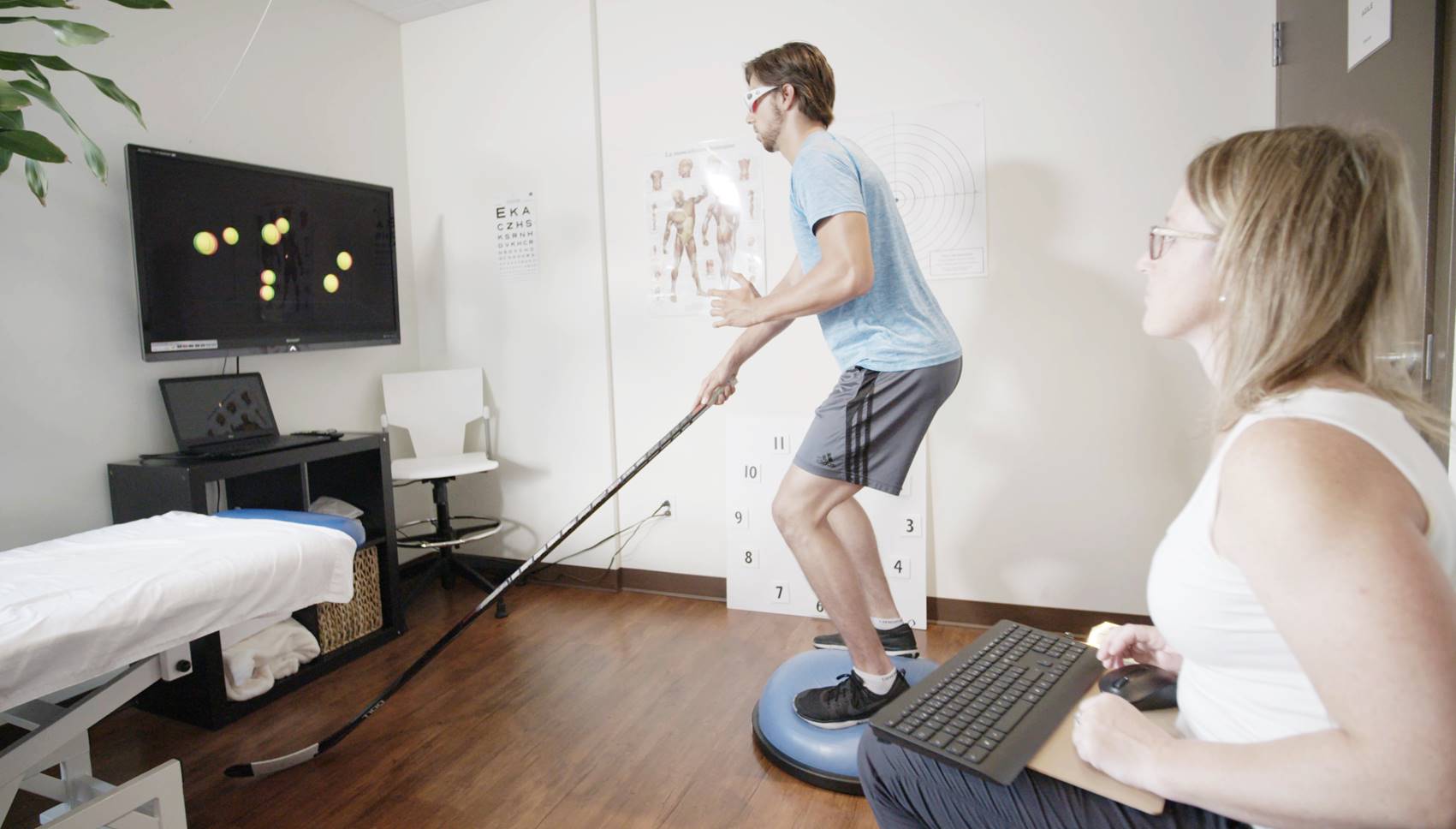
* **Dual Tasking**: Incorporate secondary exercises for advanced brain function improvement.
{% content-ref url="/pages/e2mYUExQM14DBYoe7990" %}
[Dual Task training](/how-to-use-neurotracker/understanding-your-training-program/dual-task-training.md)
{% endcontent-ref %}
* **Sport-Specific Tasks**: Elite athletes combine NeuroTracker with skills like stick handling.
### Versions Available
* Individual at-home licenses
* Business installations for organizations
* Research-grade tool for scientific studies (contact our sales team)
NeuroTracker offers a scientifically validated, user-friendly approach to cognitive enhancement, suitable for a wide range of applications and users.
{% content-ref url="/pages/7WdHhhlItNvDBSnvcplU" %}
[How to Use NeuroTracker](/how-to-use-neurotracker.md)
{% endcontent-ref %}
{% content-ref url="/pages/A0BBcp3MTrDSc0cVdJqy" %}
[Purchase a subscription](/how-to-use-neurotracker/purchase-a-subscription.md)
{% endcontent-ref %}